Self-serve kiosk
Self-ordering kiosks that clear the line at peak
Locked-down kiosks and customer-facing token displays that lift average ticket, cut queues and free your counter for hospitality.
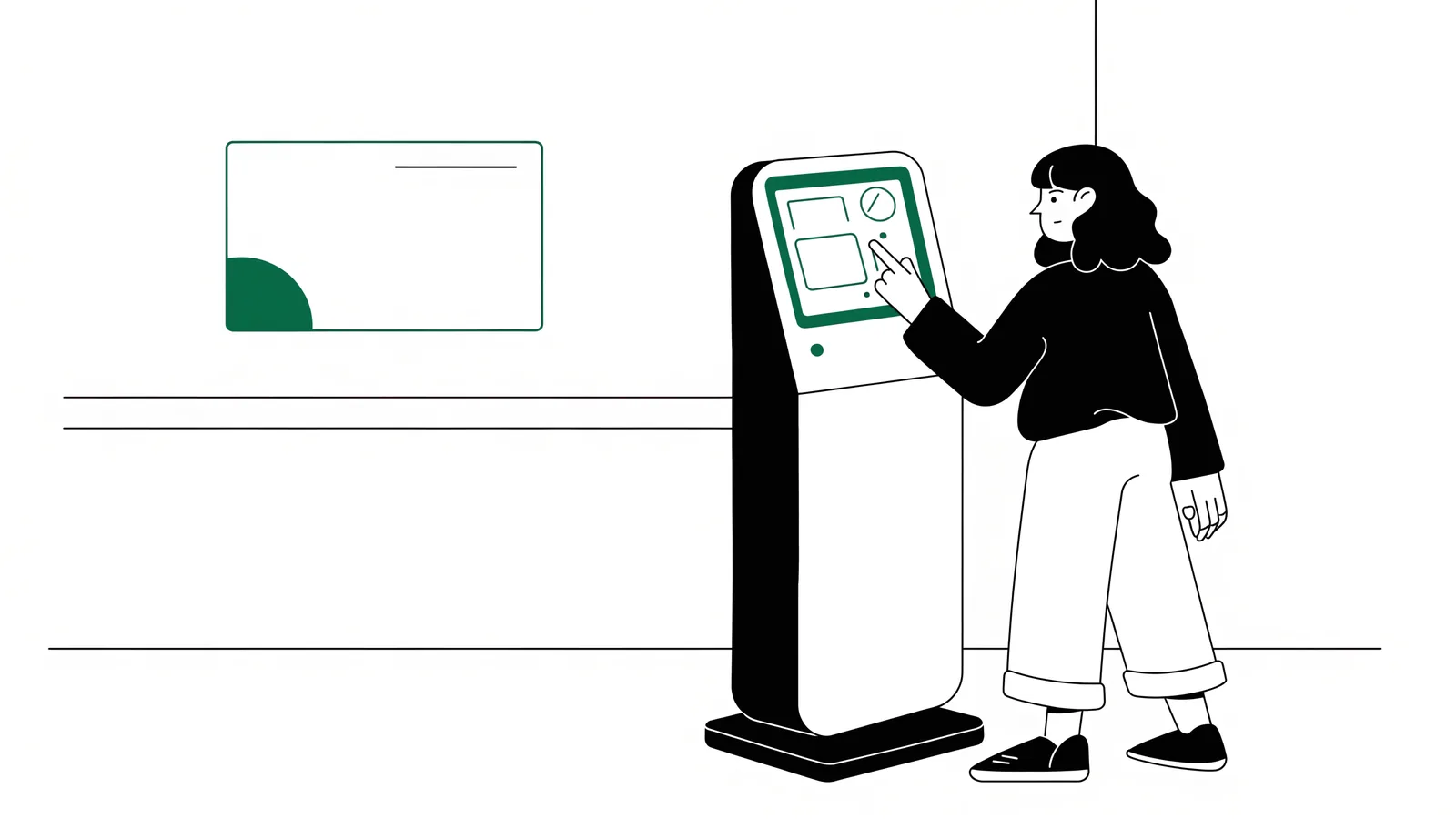
At peak, the queue is your bottleneck. Novaryq’s self-serve kiosks let guests order and pay themselves — floor-standing or countertop, locked down so they can’t wander off the ordering flow — while token displays tell guests exactly when their order is ready.
Self-serve ordering
Guests browse, customize and pay on their own — your counter handles more volume.
Kiosk lockdown
Devices are locked to the ordering flow via fleet management — no escaping to the home screen.
Token displays
Order-ready screens speed up pickup and keep the counter uncrowded.
Throughput at peak
Kiosk orders route straight to the KDS by station, in the same queue as every channel.
Managed from HQ, updated over the air
Kiosks enroll through device fleet management: monitor them centrally, keep them locked down, and push app updates over the air. A menu change at HQ is live on every kiosk instantly.
Peak, one guest at a time
How a kiosk order gets from the lobby to the pass
Guest orders
Browse, customise and confirm at their own pace. Nobody is waiting behind a guest who is still deciding.
Device stays put
The kiosk is pinned to the ordering flow with Android lock-task mode — no home screen, no browser, no way out without a manager.
Kitchen receives it
The order enters the same unified queue as counter, online and QR orders, routed by station. Kitchen staff do not learn a second workflow.
Guest is called
A token display shows when the order is ready, which keeps the pickup counter from becoming the new queue.
Fleet, not devices
Ten kiosks should not be ten things to maintain
Kiosks enrol into device management, so the estate is administered centrally: lockdown state, health and app version are visible from head office, and updates go out over the air.
- A menu change at head office is live on every kiosk without anyone walking to a machine.
- A kiosk that drops off is visible as a device, before it is visible as a queue in the lobby.
- Lockdown is enforced on the device, not just configured on it — closing the app is a managed action.
Cut the queue at peak
See kiosks and token displays working with your menu in a demo.